RGB Video Light Guide: Accurate Color for Small Sets
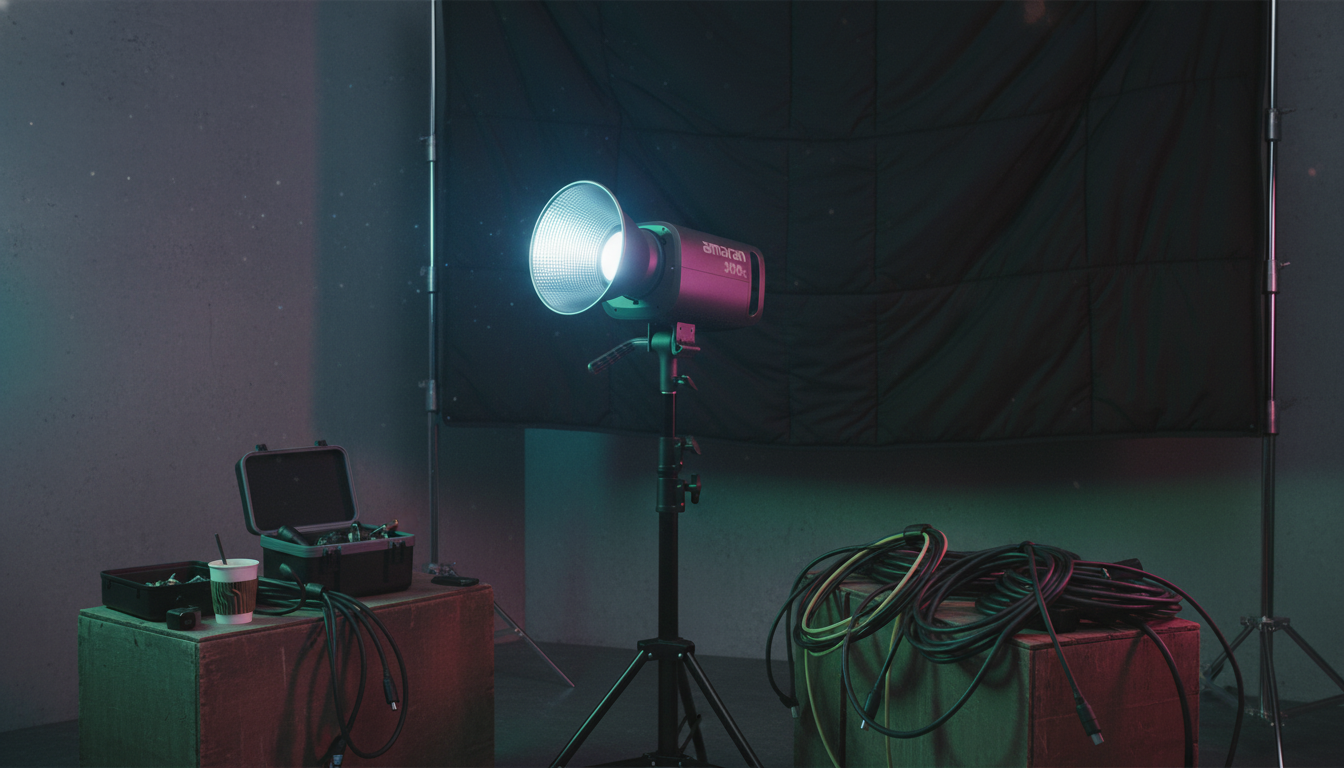
RGB Video Light: Color Control for Content, Portraits, and Small Sets
An RGB video light adds full-spectrum color plus accurate white light for interviews, streaming, product shots, and creative scene accents. The most useful models balance brightness, color fidelity, easy controls, and flexible mounting so changes happen fast—without derailing the take.
What an RGB video light can do
- Creates clean white light for key, fill, or background illumination.
- Adds colored accents for mood, separation, and branded looks without gels.
- Supports quick scene matching across takes with repeatable settings.
- Works for compact home studios, tabletop product shoots, and travel kits.
On small sets, RGB is often less about “effects” and more about control. A subtle teal background wash, a warm practical-matching edge light, or a brand-color accent behind the subject can make a simple frame look intentional—while keeping skin tones natural.
Controls and color modes that matter
- CCT mode: adjustable white balance to match daylight, tungsten, or mixed indoor light.
- HSI mode: pick hue and saturation for precise color styling and accents.
- RGB mode: direct red/green/blue channel control for fine-tuning or matching practical lights.
- Scene/effects mode: useful for music videos and B-roll (keep intensity low for realism).
- Dimming range: smoother low-end dimming helps maintain consistent exposure during tweaks.
- App/remote support: helpful when the light is boomed or placed out of reach.
If the light will live on a desk stand or small boom arm, remote control matters more than it sounds—especially once diffusion is in place and you don’t want to bump framing or shake the stand mid-recording.
Light quality for camera: what to prioritize
- Color fidelity: higher CRI/TLCI generally means more accurate skin tones and product colors.
- Consistency across dimming: the look should stay stable from bright to low power.
- Green/magenta shift control: minor tint adjustments help match other fixtures and ambient light.
- Flicker performance: important for high shutter speeds, slow motion, or certain dimming methods.
- Beam control: barn doors, grids, and diffusers help prevent spill on backgrounds and walls.
For deeper technical background on how color is measured and described, the CIE (International Commission on Illumination) is a primary reference. For video standards that influence capture and playback, SMPTE publishes widely used motion-imaging standards.
At-a-glance specs and what they mean
Use the checklist below to compare lights quickly and avoid surprises in real use. When in doubt: prioritize brightness, accurate whites, quiet cooling, and mounting options over novelty effects.
RGB video light spec checklist
| Spec | Why it matters | What to look for |
|---|---|---|
| Output (lux or watts) | Determines how far the light can sit from the subject and still shape faces | Enough headroom to diffuse and still hit exposure at your ISO/shutter |
| CCT range | Helps match window light, warm indoor lamps, or mixed environments | A wide range plus fine steps for repeatable matching |
| CRI/TLCI | Indicates how naturally the camera renders colors | High ratings and real-world test reports when available |
| HSI control | Enables precise hue/saturation selection without gels | Full hue sweep with stable saturation at different brightness levels |
| Flicker control | Prevents banding and exposure pulsing in video | Flicker-free performance across dimming and common frame rates |
| Power options | Affects portability and uninterrupted shoots | AC power plus battery support if you work on location |
| Mounting | Determines how easily you can position and modify the beam | Standard mounts and accessory compatibility (stands, arms, modifiers) |
Simple lighting setups that look polished
- Talking-head/streaming: place the key light 30–45° to one side and slightly above eye level; keep the background dimmer for separation.
- Two-light interview: use one light as key and a softer fill from the opposite side; add a subtle RGB accent on the background to create depth.
- Product tabletop: raise the light and diffuse it for smooth reflections; use a colored rim or background wash to make products stand out.
- B-roll mood: add a low-intensity colored side light and keep white light neutral for accurate skin and product tones.
Placement, modifiers, and controlling spill
Power, heat, and usability in small studios
Picking one for the way you shoot
Once lighting is consistent, planning content becomes easier too. Pairing a dependable light with a structured publishing plan can smooth production from idea to upload; Build a Smarter Content Calendar with AI is a simple way to organize shoots, batches, and posting cadence.
Featured option
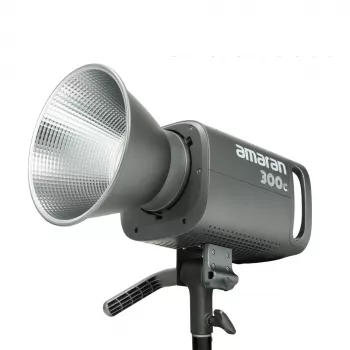
RGB Video Light is designed to provide adjustable white light and vibrant color options for flexible shooting styles. Use it as a key light with diffusion, a background wash for depth, or an accent for practical-looking color highlights—especially when you want a consistent “set look” across multiple videos or product drops.
FAQ
What’s the difference between RGB and bi-color video lights?
Bi-color lights adjust warm-to-cool white (CCT) for matching ambient lighting, while RGB lights add full color control (HSI/RGB) for accents and creative styling. Either can work as a key light if brightness and color quality are strong, but RGB gives more options without gels.
How bright should an RGB video light be for a home studio?
It should have enough output to stay properly exposed after diffusion, at the distance you need, using typical video settings (often 1/50–1/60 shutter and a reasonable ISO). More headroom is better than running at 100% all the time, since it keeps color stable and gives you flexibility for modifiers.
How can colored light be used without making skin tones look unnatural?
Keep the key light neutral white on faces, then use RGB as a background wash or subtle rim accent with lower saturation. Control spill with grids/flags and keep the colored light dimmer than the key so skin stays accurate while the scene still gains depth.











Leave a comment