Break the Phone-to-Sleep Sabotage Loop: 7-Night Reset
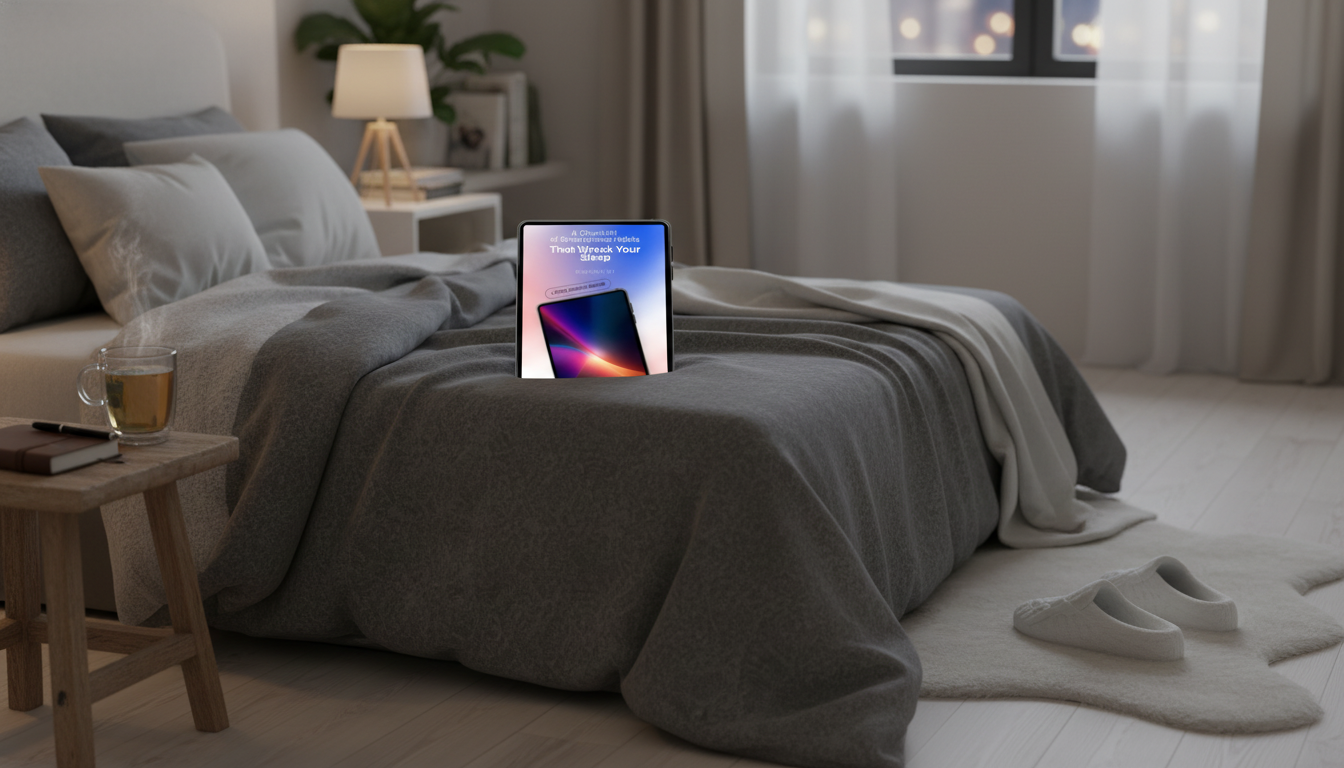
Why smartphone habits can quietly ruin good sleep
Sleep problems often come from small, repeatable phone behaviors: light exposure at the wrong time, mental stimulation when your brain should be powering down, and notifications that fragment rest. A checklist approach makes patterns obvious and turns a vague goal like “use the phone less at night” into specific actions you can test, adjust, and keep.
The “sleep sabotage loop”: why the same phone habits keep returning
Most late-night phone use isn’t a one-off choice—it’s a loop that repeats because it feels rewarding in the moment and costly only later.
- Time distortion: late-night phone use pushes bedtime later because scrolling feels shorter than it is.
- Light + stimulation: bright screens and high-engagement content delay wind-down signals and keep alertness high.
- Intermittent rewards: messages, likes, and new posts train the brain to check “one more time.”
- Longer awakenings: when you wake at night, the phone becomes a default coping tool, which can reset alertness and make it harder to fall back asleep.
A quick self-check: which habits are most likely wrecking sleep
If any of these happen “most nights,” they’re strong candidates for your first change:
- Using the phone in bed (even “just for a minute”).
- Keeping the phone on the mattress, pillow, or within arm’s reach.
- Falling asleep to short-form video or autoplay content.
- Checking notifications after lights out.
- Using the phone as the alarm (and then scrolling in the morning).
- Waking at night and reaching for the phone before deciding whether to get up.
Smartphone sleep-wreckers checklist (mark what happens most nights)
| Habit | Why it disrupts sleep | Swap to try tonight |
|---|---|---|
| Scrolling in bed | Delays bedtime; keeps the brain engaged | Charge the phone outside the bedroom; read paper for 10 minutes |
| Bright screen in the last hour | Light and stimulation interfere with wind-down | Dim screen + Night Shift/blue-light filter + low-brightness cap |
| Notifications allowed overnight | Micro-awakenings fragment sleep | Do Not Disturb + allow only urgent contacts |
| Autoplay video/doomscrolling | Variable rewards keep attention hooked | Set app timers; turn off autoplay; replace with a short audio routine |
| Phone as alarm with apps next to it | Triggers immediate checking | Use a basic alarm clock or keep phone across the room |
| Checking time repeatedly | Anxiety about sleep increases alertness | Turn clock display away; avoid time checks until morning |
| Night wakings + phone use | Light and content reset alertness | Use a low-light bathroom path + calming breath or body scan |
The biggest culprits (and what to do instead)
1) Blue light and brightness
Bright light close to bedtime can interfere with your body’s natural nighttime rhythm. Start lowering brightness earlier than you think you need to, enable night mode, and avoid “white screen” apps (email, news, shopping) in the last stretch of the evening. Harvard Health notes that blue light exposure at night can affect sleep-related biology, especially when it’s bright and close to bedtime.
Harvard Health Publishing — Blue light has a dark side
2) Mental stimulation
News, debates, shopping, and work messages keep the brain problem-solving. The solution isn’t willpower—it’s timing. Put “high-cognition” phone tasks earlier in the day and keep your last hour more predictable: tomorrow’s to-dos can wait until morning.
3) Emotional activation
Social comparison, conflict, or even exciting group chats can raise stress right when you need calm. Make “night mode” a layout choice: move social apps off the home screen at night (or into a folder), and keep your lock screen visually quiet.
4) Endless feeds
Autoplay and infinite scroll remove stopping cues. Turn off autoplay where possible, set one hard stop time (not “when I’m tired”), and choose a replacement that ends naturally—like a short audio routine or a few pages of a paper book.
Notification hygiene: stop sleep from being interrupted
- Create a bedtime Do Not Disturb schedule (same start time daily), so you don’t have to decide every night.
- Use “allowed exceptions” sparingly: one or two key contacts, repeated calls, true emergencies only.
- Silence non-urgent apps completely overnight (social, shopping, games, email).
- Reduce visual triggers: disable lock-screen previews and notification badges for high-trigger apps.
- Make checking intentional: set two daytime “message windows” so your brain learns it doesn’t need to monitor constantly.
For more baseline sleep guidance, the American Academy of Sleep Medicine and the CDC both emphasize consistent routines and environment choices that protect sleep.
American Academy of Sleep Medicine — Healthy Sleep Habits
CDC — Sleep and Sleep Disorders
Bedroom boundaries that actually work
A 7-night reset plan (small steps, fast feedback)
Make it stick: track patterns and prevent backsliding
Printable checklist for nightly use
Printable smartphone sleep habits checklist
If scheduling is part of your late-night spiral (replying, planning, or “just one more task”), a structured planning resource can help you move those decisions earlier in the day: Build a Smarter Content Calendar with AI | AI-Powered Content Planning Guide.
FAQ
How long before bed should phone use stop?
A practical target is 30–60 minutes, but consistency matters more than perfection. If that feels like too much, start with one boundary: no scrolling in bed and dim your screen earlier.
Does a blue-light filter fix the problem?
It helps with light tone and can reduce harsh brightness, but it doesn’t remove mental stimulation or the “one more check” habit. Pair it with content boundaries (no news/shopping) and notification control.
What if the phone is needed for on-call work or family?
Use Do Not Disturb with tight exceptions (only urgent contacts or repeated calls), silence everything else, and remove lock-screen previews. Keep the phone out of reach so you can stay available without turning wake-ups into scroll sessions.















Leave a comment