Why Retail Sites Have Low Conversion Rates (Top Causes)
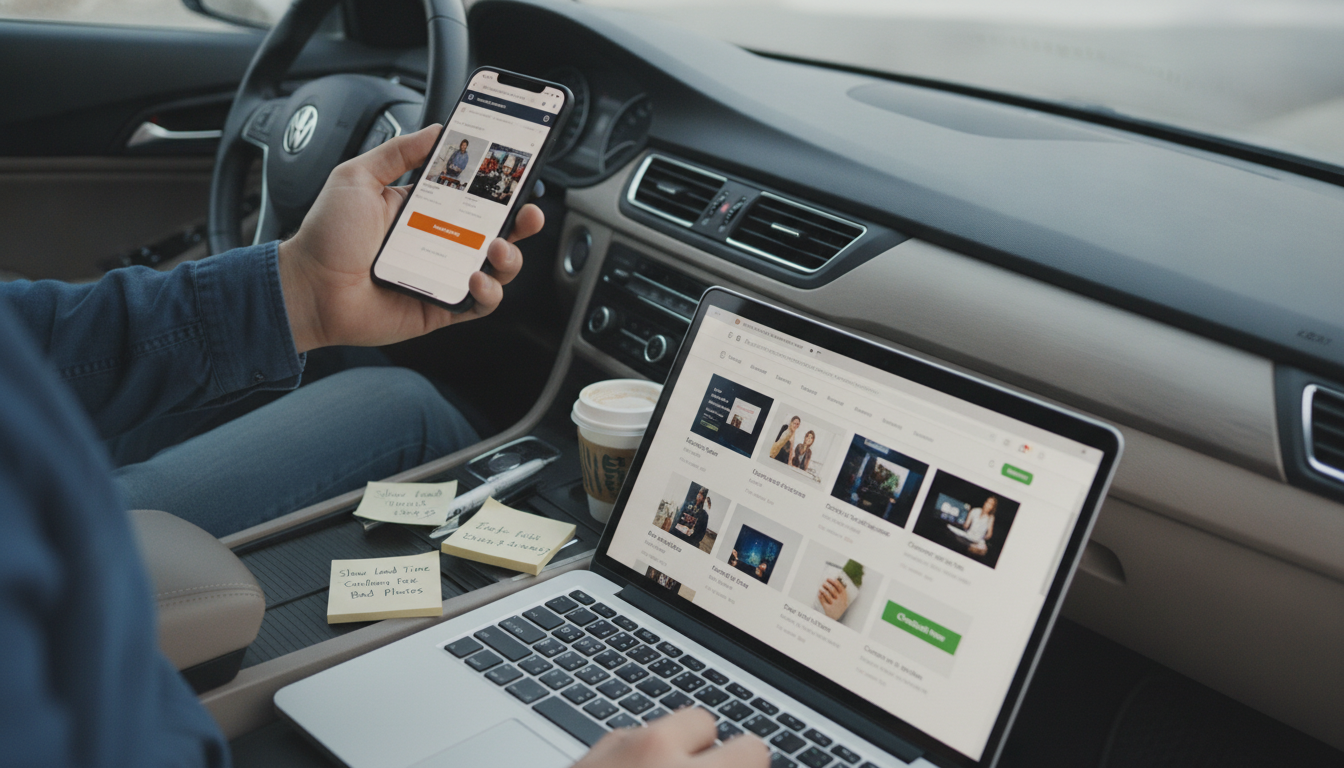
Which of the following could cause a low conversion rate on a retail website?
A low conversion rate usually comes down to friction: something makes shopping feel confusing, slow, risky, or not worth the effort. Even when traffic is strong, a few common issues can quietly push shoppers to abandon their carts or leave before taking action.
Slow load times and performance issues
If pages take too long to load—especially on mobile—shoppers bounce. Heavy images, too many scripts, and clunky themes can delay product pages and checkout, reducing completed purchases.
Confusing navigation or weak product discovery
When shoppers can’t quickly find what they want, they won’t keep searching. Poor category structure, unreliable site search, missing filters, and inconsistent product naming all make browsing feel like work.
Unclear pricing, shipping, or returns
Unexpected shipping costs, unclear delivery timelines, or vague return policies are common deal-breakers. Shoppers want the full cost and terms upfront; hiding details until checkout often leads to abandonment.
Low trust signals
Retail sites need to feel safe. Missing contact details, few reviews, outdated design, limited payment methods, or lack of visible security cues at checkout can make shoppers hesitate—then leave.
Checkout friction
Forced account creation, too many form fields, errors, and limited payment options can drain momentum. A streamlined checkout with guest purchase, autofill-friendly fields, and clear progress steps typically converts better.
Poor product pages
Conversion suffers when product photos are limited, descriptions don’t answer common questions, sizing/specs are unclear, or stock status is confusing. Strong pages reduce uncertainty and help shoppers decide faster.
For a deeper breakdown and practical fixes, visit the full guide here: https://puriture.com/which-of-the-following-could-cause-a-low-conversion-rate-on-a-retail-website/.
FAQ
How can you improve a retail website’s conversion rate without increasing traffic?
Focus on removing friction: speed up key pages, clarify shipping/returns and total cost, strengthen product pages with better images and details, and simplify checkout with fewer steps and more payment options.















Leave a comment